


The Drawing Robot
They pick a card. It draws it right in front of them.
- Pick a card
- No screens
- Color it in
Couldn't load pickup availability
- Secure Checkout
- 30 Day Guarantee
- No App Needed
- Real Support
It's all in the box. 150 picture cards, 24 markers and a dreamprint sketch pad.
Good questions.
Can my kid use it on their own?
Yes. They slide in a card and it starts drawing. No buttons to figure out, no settings, nothing for you to set up each time.
Do I need an app or WiFi?
No. There's nothing to download, no account and no WiFi. Charge it and it's ready.
What if they don't love it?
We're so confident they'll love it that if they don't, you get your money back. Just let us know within the first 30 days.

-

Got this for my kid and it ended up being a really fun gift. It’s easy to set up and my kid had a great time watching the robot draw different pictures. It’s a cool way to keep them entertained while also getting them interested in drawing and being creative.
It’s definitely more fun than I expected, and my kid was excited to keep trying different drawings. Good little gift for the price and something different from the usual toys.
-

Such a fun activity for the whole family! My kids loved picking out pictures and watching the robot draw them—it felt like magic. Afterward, they had a blast coloring and adding their own touch. It’s like creating your own custom coloring book. Highly recommend!
-

"Y'all really need to STOP looking at comments & follow your first mind. They really do work."


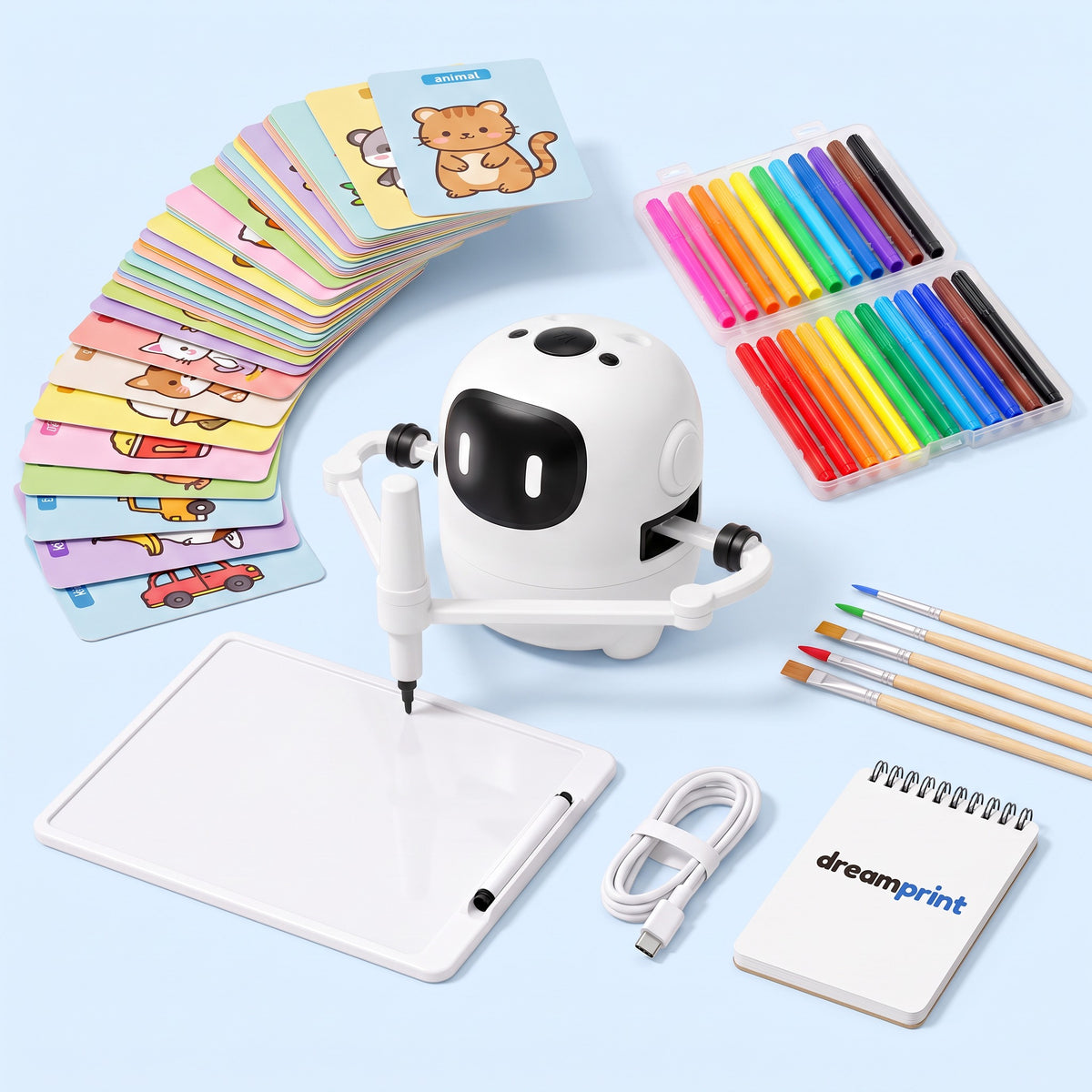
Card in. Drawing out.
Pick a card
150 pictures to choose from. Animals, food, vehicles and more. They pick one and slide it in.
Watch it draw
The robot draws it on real paper, one line at a time, while they watch every stroke go down.
"It's drawing my dinosaur!"Color it in
Grab the markers and make it theirs. Then pick the next card and go again.
How does Dreamprint stack up?
| Feature | Dreamprint | Tablet apps | Coloring books | How-to-draw videos |
|---|---|---|---|---|
| Draws it in front of themReal lines on real paper | Yes | No | No | No |
| Shows them howEvery line, step by step | Yes | No | No | Yes |
| Nothing to scrollNo feed, videos or games | Yes | No | Yes | No |
| 150 pictures readyA new card whenever they want | Yes | Yes | No | Yes |
| Hands-on afterThey color it in themselves | Yes | No | Yes | No |
Things parents ask first.
What age is it for?
If they can slide in a card and hold a marker, they can use it.
Do I need an app, WiFi or an account?
No. There's nothing to download and nothing to sign up for. Charge it, slide in a card and it starts drawing.
What does it draw on?
The dreamprint sketch pad in the box, or any plain sheet of paper you already have at home.
What happens once they've drawn all 150?
They start again. Every card can be drawn as many times as they want, so the same dinosaur can be a new color every day.
How does it charge?
With the USB-C cable in the box. Plug it into any phone charger and it's ready to go.
What if we don't love it?
Send it back. Every Dreamprint comes with a 30-day money-back guarantee.
Parents say it best.
Real kids. Real drawings.
No reviews yet
Be the first to tell other parents what Pip drew.
How's Pip doing?
Tell other parents what your kid thinks. We read every one.
Thank you!
Your review is in. We'll add it to the page soon.